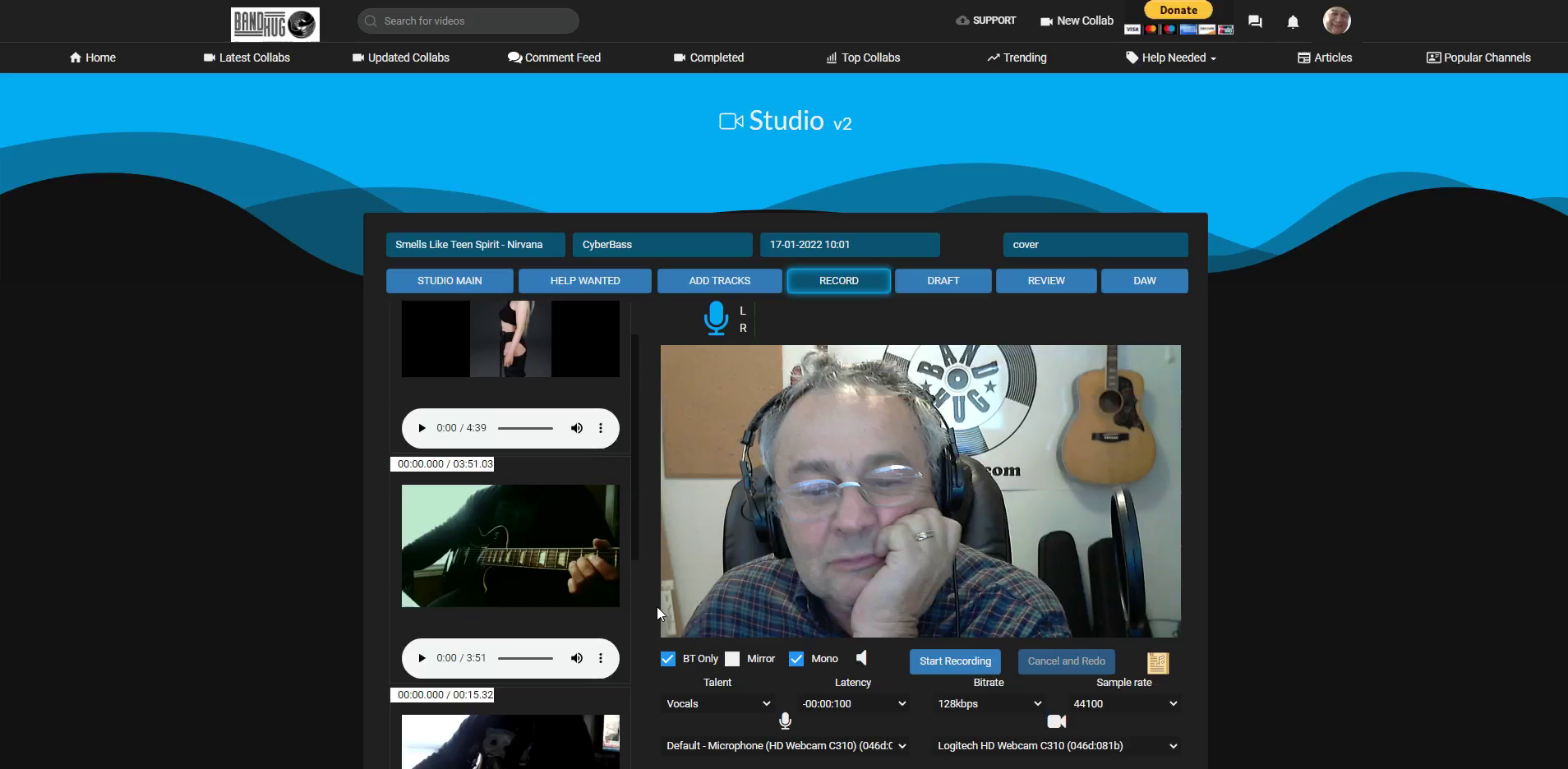
Select bt only Press play then pause. Put mouse over speaker icon for each track to adjust volume. Press start recording when ready.
Test
A HA! Didn't know it worked this way. Cool ta!
Nice dennis, was just asking Daniel about this today as had an issue of an unsynch track that was getting me lost in the recording mix. Thanks, Rick
Naverno? :P
4796824372433055
Antoian Kordiyal
TGBATRISXXX
United States
Upload
Need Help? Questions? Email support@bandhug.com



A HA! Didn't know it worked this way. Cool ta!
Nice dennis, was just asking Daniel about this today as had an issue of an unsynch track that was getting me lost in the recording mix. Thanks, Rick
Naverno? :P