close
NEW CDN now active
Please report any issues
z
NEW CDN now active
Please report any issues






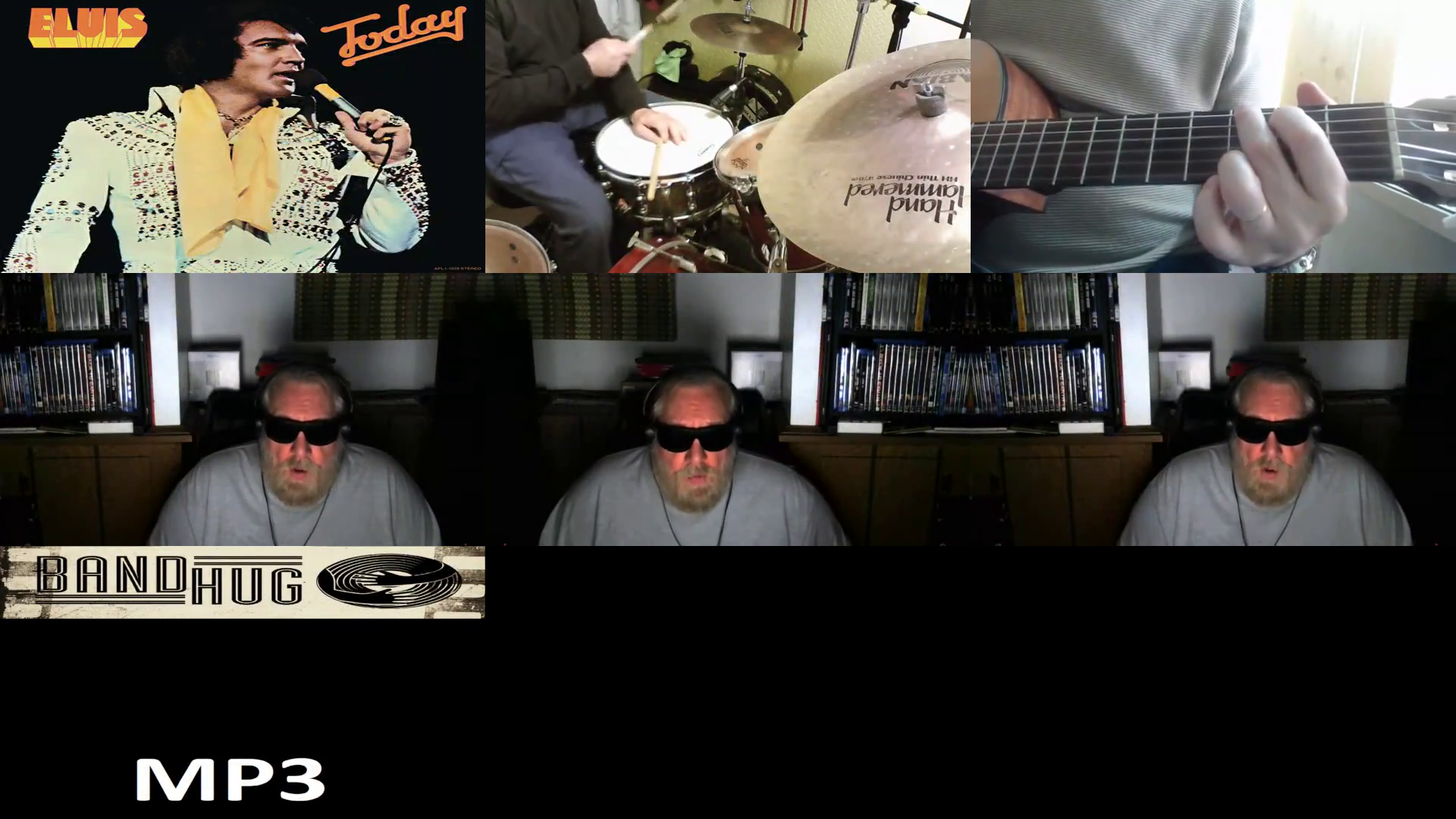

Yoshi...your a remarkable one man band. Hanks vocal are your harmonies are nothing short of outstanding.
Wow, what a beautiful collab , outstanding vocals hank and yoshy . Congratulations
It sounds great. May I put it on my YouTube channel?
admin I adjust the volume of each track on the DAW screen. Then when I switch to the studio screen and listen to the sound, it sounds loud. Previously, the volume I adjusted on the DAW screen became the same as the volume on the studio screen.
This isn't just a problem with this collaboration, but has happened with other collaborations recently as well.
Do you know what the cause is?
Do you want me to redo it?